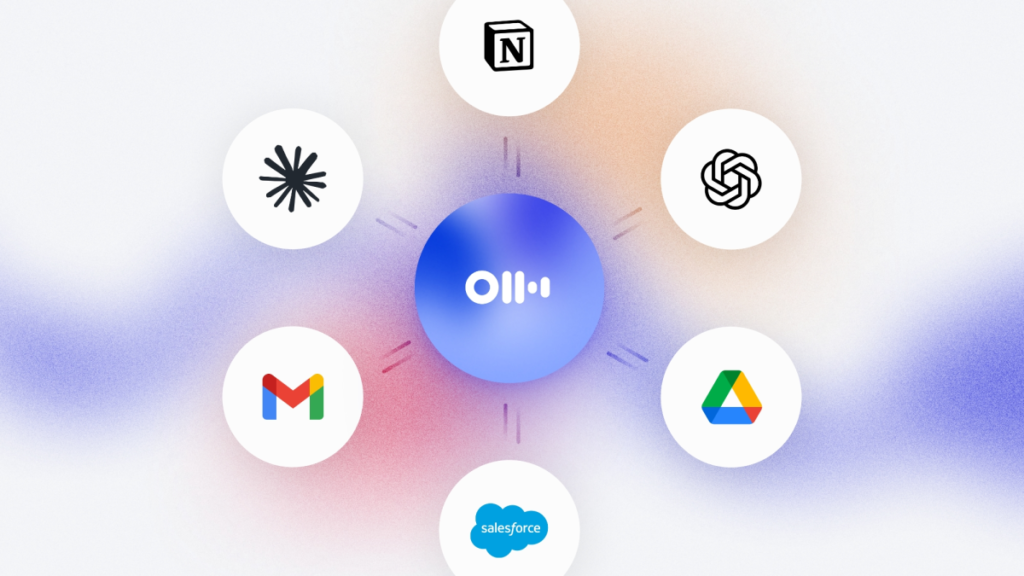

Otter just made its AI assistant a lot more useful. The meeting transcription tool that’s been quietly building up its feature set is now letting you search across your enterprise apps — Gmail, Google Drive, Notion, Jira, and Salesforce — alongside your meeting data.
This is the kind of integration that sounds obvious on paper but is surprisingly hard to get right. I’ve seen too many “universal search” tools that end up being glorified bookmarks. Otter seems to be taking a different approach by keeping the search unified and contextual, not just dumping results from different sources into a single feed.
The setup is straightforward. You connect your accounts through Otter’s settings, and then you can ask questions like “What did we decide about the Q3 budget in last week’s meeting?” or “Find the email thread about the new API pricing.” The system pulls from both your transcripts and the connected apps, so you don’t have to remember which tool had the information you need.
What I like about this is the focus on meeting context. Otter already transcribes and indexes your meetings, so adding email and document search means you can trace decisions back to their source. If someone mentioned a Jira ticket in a meeting, you can jump straight to it. If a decision was confirmed in an email after the meeting, that’s searchable too.
The company says Microsoft Outlook, Teams, SharePoint, and Slack support is coming soon. That’s the big one for me. Most teams I work with live in Microsoft’s ecosystem, and without Slack or Teams integration, this feature is only half useful. Otter knows this, which is why they’re prioritizing it, but “soon” is vague.
There’s also the question of data privacy. Connecting your work email and documents to a third-party search tool is a non-starter for some organizations. Otter says data is encrypted in transit and at rest, and they don’t train models on your content. But if your IT department has strict policies, you might need to get approval before hooking up Salesforce.
I’ve been testing this for a few days, and the results are better than I expected. The search relevance is solid — it surfaces the right meeting transcripts and emails without dumping irrelevant noise. But it’s not perfect. Sometimes it returns too many results from one source, and the filtering options are basic. You can’t yet exclude specific apps from a search query, which would be handy.
Still, this is a meaningful step. Otter is moving from being a meeting transcription tool to something closer to a knowledge base for your work life. If they nail the Microsoft and Slack integrations and add better filtering, this could become a genuinely useful layer on top of the chaos of enterprise tools.
For now, it’s worth trying if you’re already an Otter user and you live in Google’s world. Everyone else should wait and see how the next batch of integrations shapes up.
Comments (0)
Login Log in to comment.
Be the first to comment!